

How To Best Use Substack SEO Settings In Your Posts
And why you should be taking full advantage of them on every post!


This was a repost from August 2024, using updated screenshots. Inevitably, platforms change over time, and I’m trying to keep you as up to date as possible.
SEO has always been like a floating butterfly to me.
No matter how badly I’d like it to sit on my finger and be my friend, I have no idea how to make it land.
BUT…I do know what happens if we don’t tweak the SEO description in our post settings. We should be taking full advantage of ALL the tools Substack gives us, particularly SEO, because it affects how we show up in Google searches.
First things first:
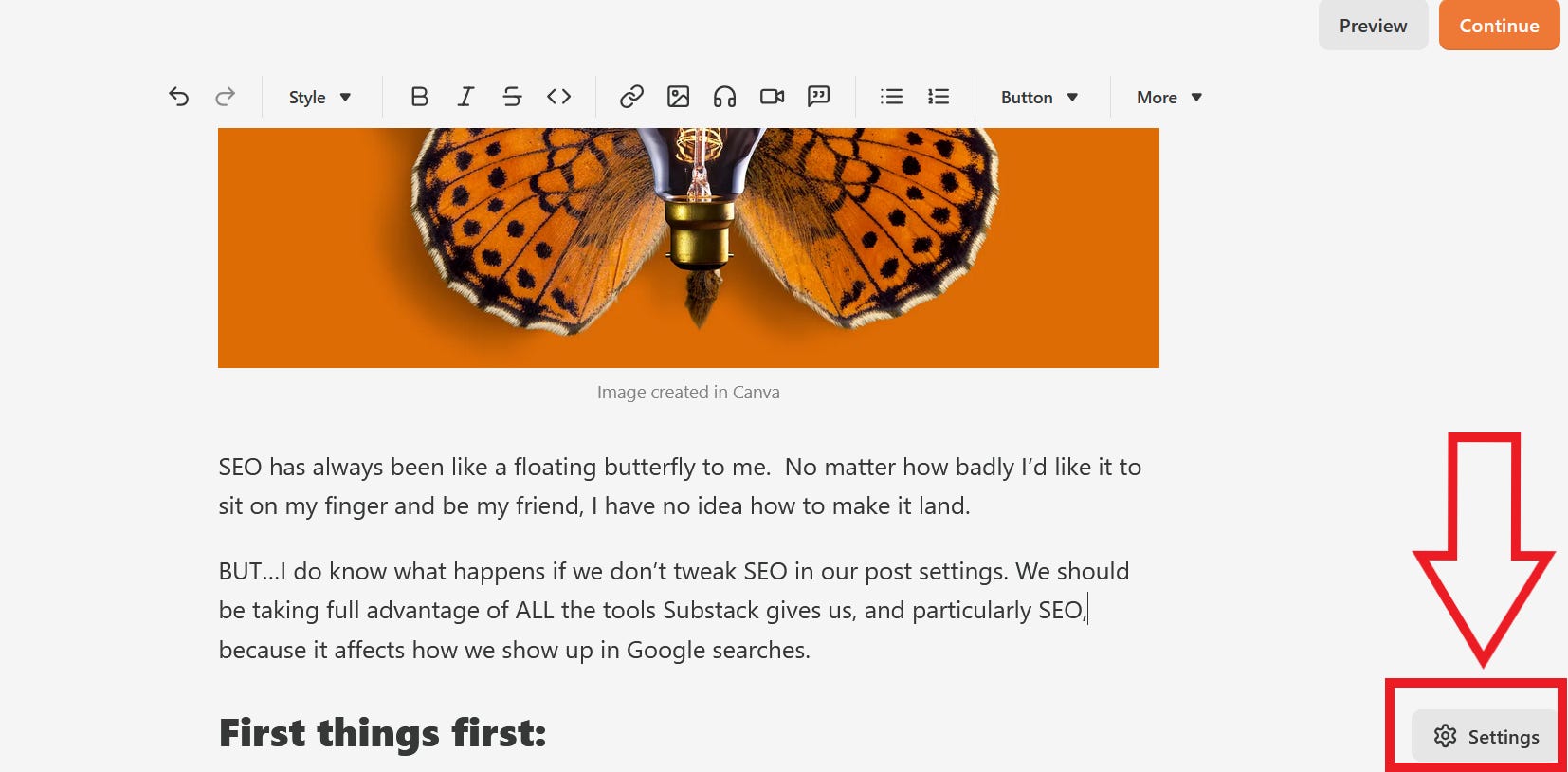
The following screenshot shows where to access post settings. It’s always in the bottom right corner of your post draft:
This next screenshot shows two important features you should be paying attention to once you’re in there:
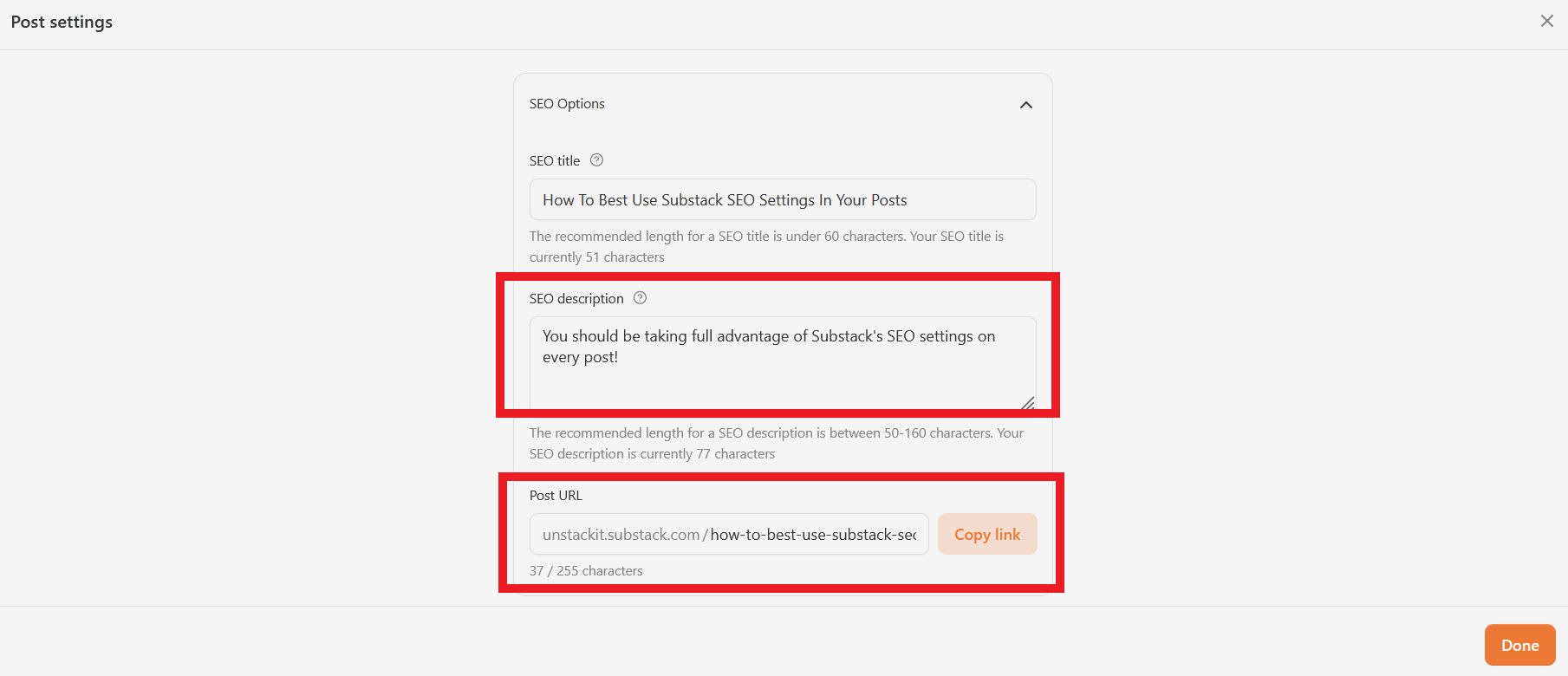
Here’s why you should tweak your SEO description:
You may not know that if you don’t touch your SEO settings at all, the SEO description field will automatically pull from your subtitle. This is fine some of the time, but if you don’t use subtitles, that description field will pull content from the first sentence in your post.
